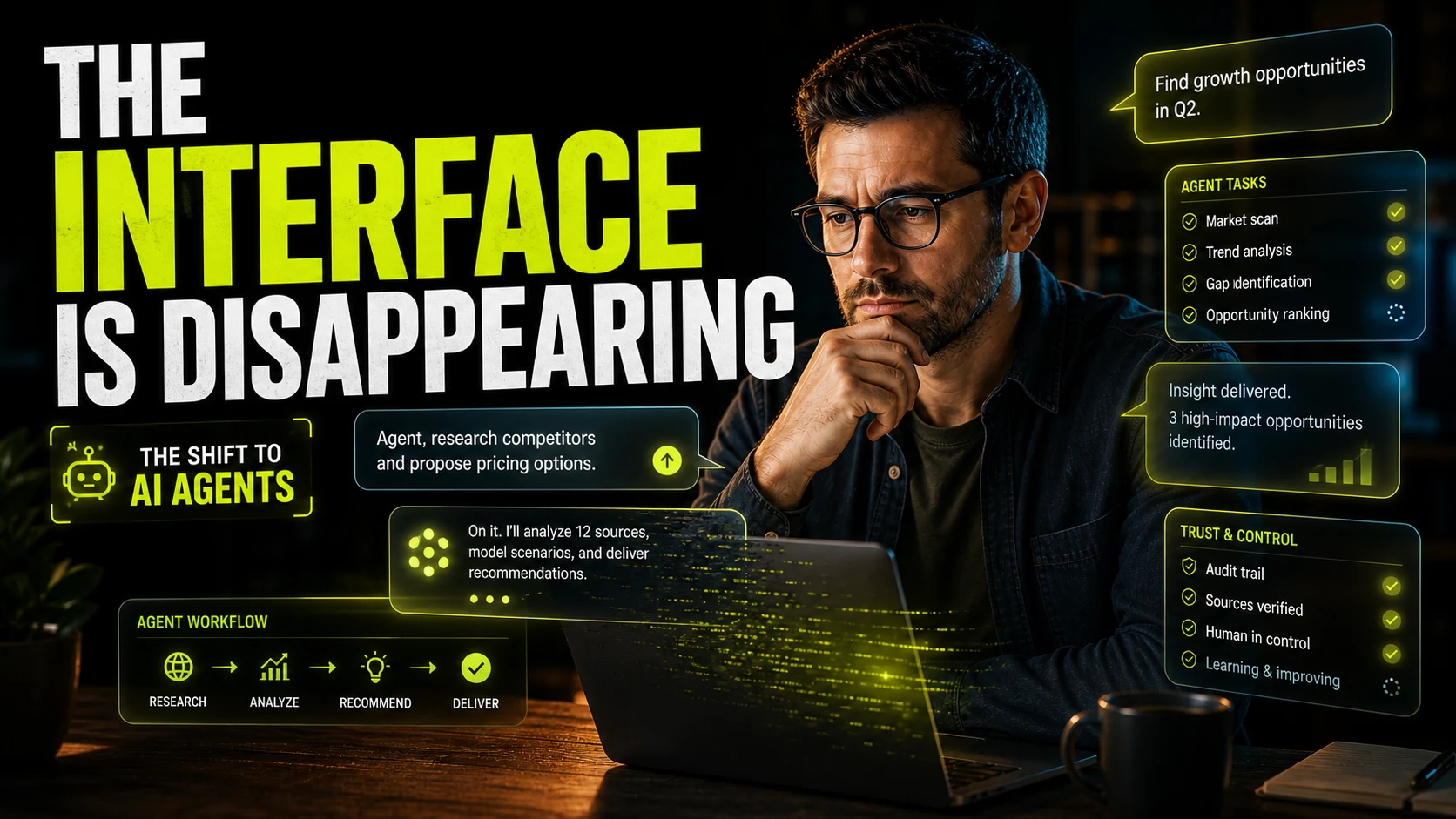
Figma already changed how digital products get designed together. AI is pushing that shift even further. What used to be a mostly manual chain of layout work, content setup, iteration, and handoff is becoming faster, looser, and more responsive. The result is not just convenience. It is a real workflow change for modern UI and UX teams.
01 Figma AI reduces early-stage friction
The earliest phase of design is often the most fragile. You have some product direction, some references, maybe a rough user flow, but not yet a complete solution. Traditionally, turning that uncertainty into screens took time. Figma AI helps shorten that gap by generating editable starting points much faster than a fully manual process.
That matters because good design often depends on reaction. Teams need something they can see, challenge, and reshape. AI-generated starting points give that conversation a place to begin without pretending the first draft is the answer.
The biggest workflow gain is not that AI makes final design effortless. It is that it makes early exploration less expensive, which creates more room for better decisions.
02 It creates more space for actual UX thinking
When repetitive setup work drops, designers get more time back for the parts of the job that matter most. Hierarchy, flow logic, product clarity, tone, and interaction quality all benefit when the team is not buried in low-value production work. That is one reason Figma AI feels important beyond novelty. It changes where attention can go.
This also connects directly to why designers are becoming AI creative directors. As tools absorb more of the repetitive layer, the designer's value moves toward judgment, refinement, and experience leadership.
Where Figma AI helps most in practice
- Turning rough concepts into editable UI directions quickly
- Generating layout options before a team commits to one approach
- Reducing repetitive setup in the early stages of a project
- Helping teams iterate faster inside a familiar design environment
03 It makes vibe-driven workflows more practical
A lot of teams now begin with intent, mood, and product story before they begin with perfect structure. Figma AI supports that shift well because it can turn softer creative direction into editable design output quickly. That is why it fits so naturally into the rise of vibe designing.
Instead of staying trapped in verbal discussions about what a product should feel like, teams can move into visual territory faster. That does not remove the need for refinement. It simply improves the speed of translation from idea to interface.
04 Design and development are getting closer again
The old design handoff model is slowly becoming less central. In modern product teams, design and implementation are much more connected. Figma AI fits into that trend because it makes it easier to test interface directions quickly and then move toward production-minded thinking sooner.
When paired with component systems, frontend collaboration, and code-aware tools, the time between concept and implementation can shrink dramatically. That does not mean the process becomes careless. It means the loop becomes tighter.
05 The real risk is generic output
The honest caution here is that faster output can also produce flatter work if nobody is shaping it well. AI can create competent-looking layouts very quickly, but competent is not the same as distinctive. Without clear taste, strong UX priorities, and a defined brand point of view, teams can end up with efficient but forgettable interfaces.
That is why Figma AI works best as an accelerant, not a replacement for thinking. It helps teams move. Designers still decide where the work should go and what quality means.
Figma AI is changing modern UI and UX workflows by reducing friction, increasing idea velocity, and giving teams more room to focus on better decisions instead of repetitive setup. The advantage is not just speed. It is the chance to spend more energy on clarity, interaction quality, and product direction while the tool handles more of the heavy lifting around exploration.
FAQ
Common questions about How Figma AI Is Changing Modern UI and UX Workflows
A quick summary of the most common questions readers have about this topic.
Figma AI helps designers explore ideas faster, generate starter layouts, reduce repetitive work, and move more quickly from concept to editable interface directions.
No. It supports exploration and production efficiency, but designers still need to shape hierarchy, interaction logic, brand quality, and user experience decisions.
It is especially helpful in early concept exploration, layout generation, repetitive setup work, and rapid iteration before teams commit to final product decisions.
Because it shortens the path between design intent and implementation, especially when teams already work closely with modern frontend tools and component-based systems.
No. Its value also comes from improving workflow speed, reducing friction, and creating more space for stronger UX thinking and iteration.